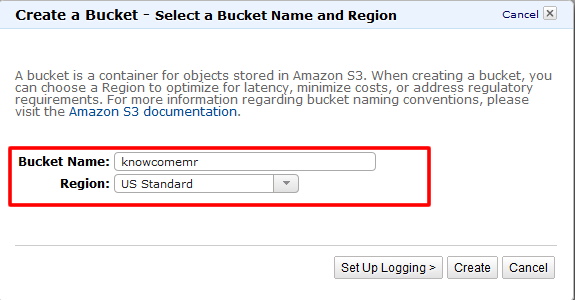
- まずはデータのinputやoutputに利用するS3バケットを作成します。
※EMRと別リージョンに作成すると転送量が発生しますので、ご注意下さい。
また、S3バケット作成の詳細については以前のレシピ「[Amazon S3編~S3バケットを作成してみよう!~](/archives/783)」も参照してください。
- WEBコンソールで作成します。
解析するデータのアップロード
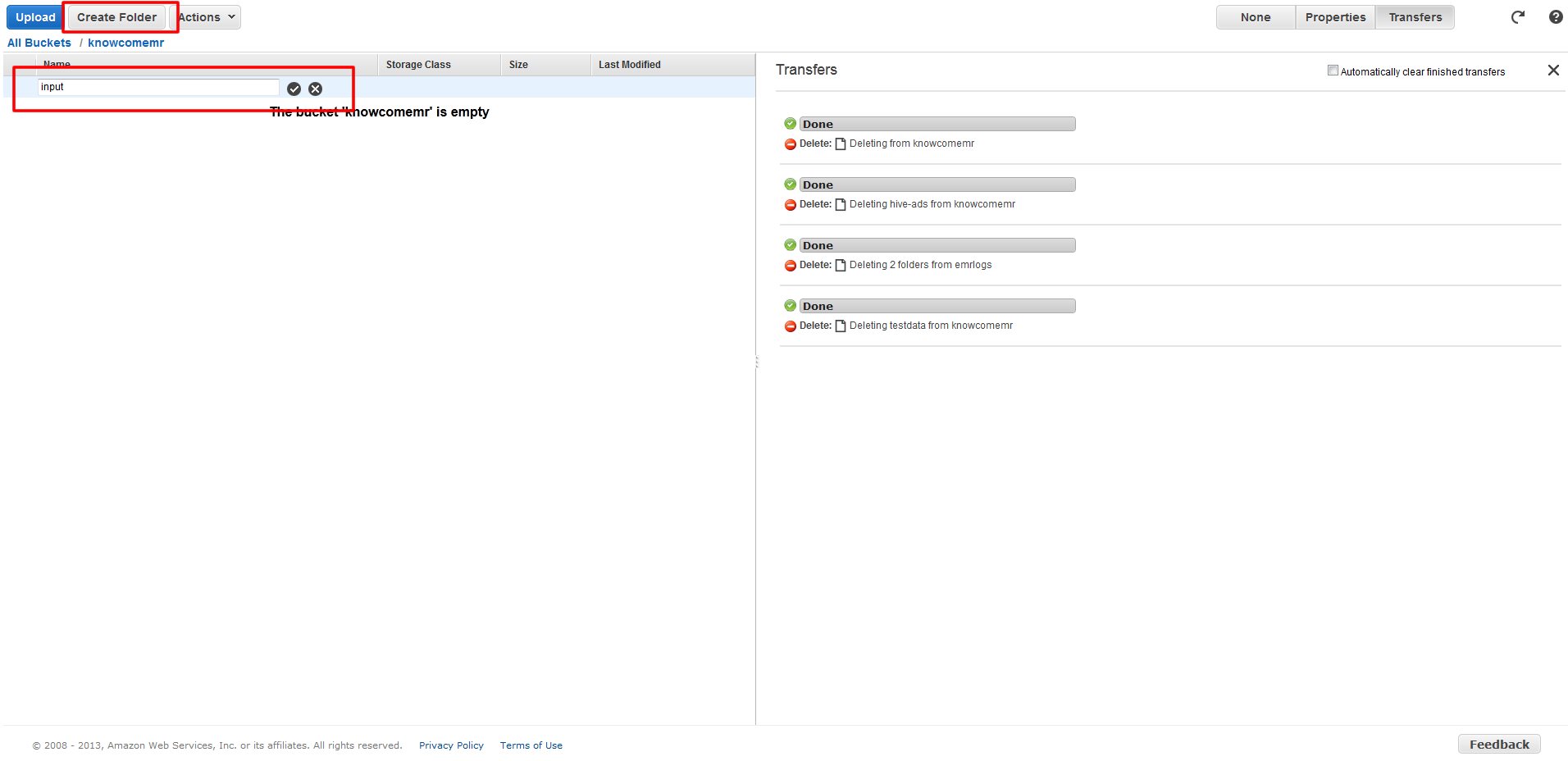
- 作成したS3バケットで「Create Folder」ボタンをクリックしてinputというデータを置くフォルダ作成します。
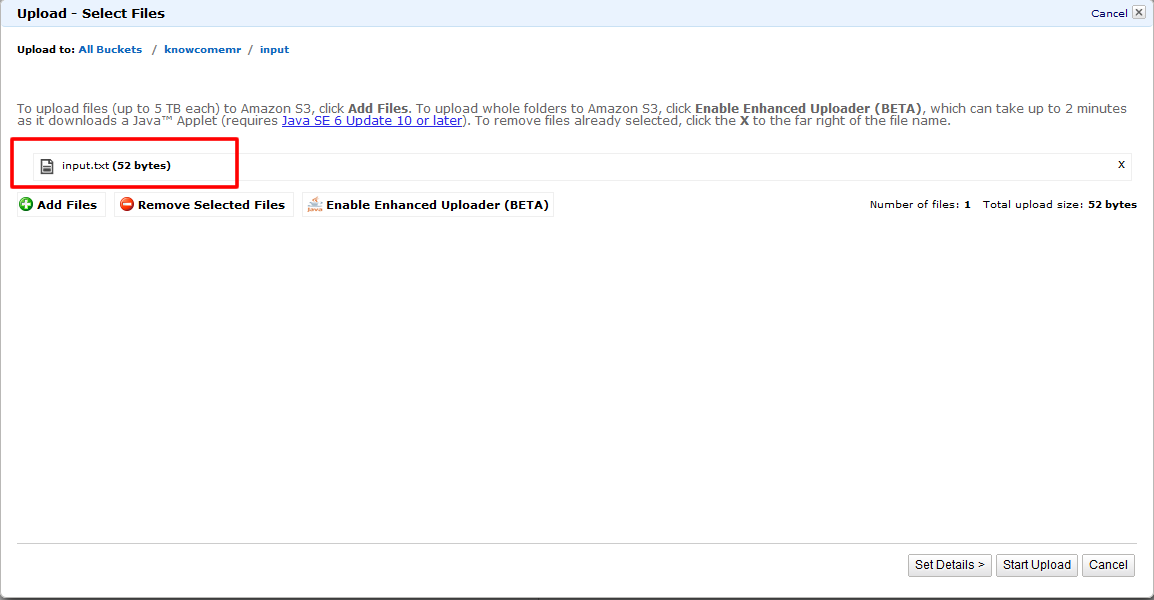
- アップするデータとしてinput.txtというタブ区切りのファイルを作成します。
1one two two three three2three four four four four- 「Upload」ボタンをクリックして作成したinput.txtをinputフォルダにアップロードします。
スクリプトのアップロード
- 今回では「Streaming」というJOBタイプを利用して行います。
「Streaming」ではPython, Ruby, Perl, PHP, R, Bash, C++などの言語を利用する事が出来ます。
今回のサンプルスクリプトはPythonで作成されており、中身は以下になります。
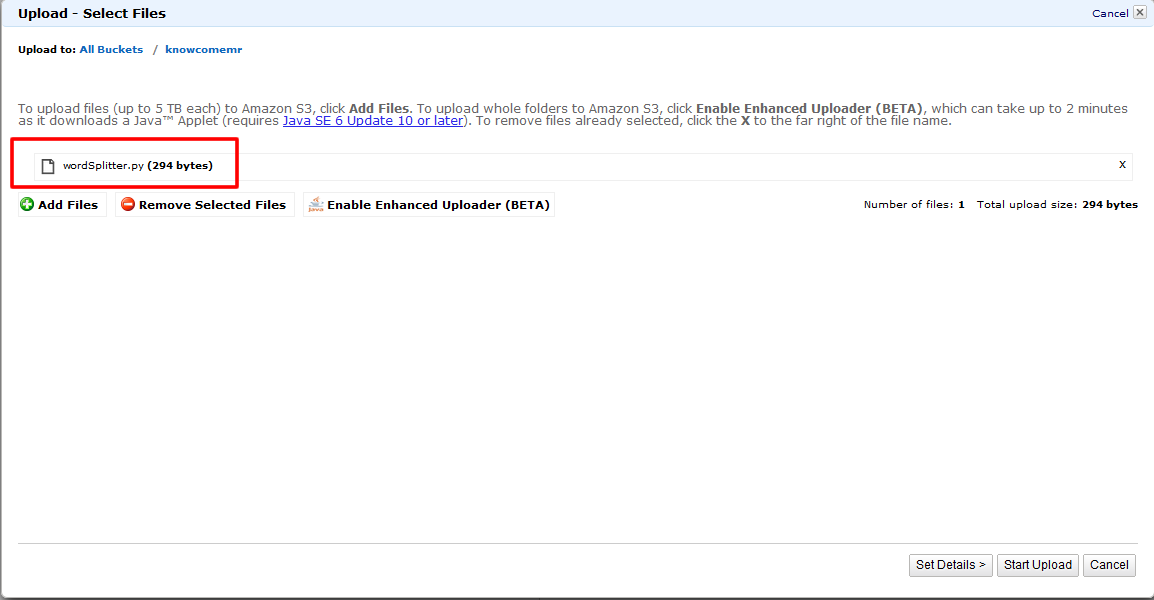
1#!/usr/bin/python23"""4import the system-specific parameters and functions (sys) and 5the regular expressions (re) modules6"""7import sys8import re910def main(argv):1112 """ Read the first line of the input. """13 line = sys.stdin.readline()14 15 """ 16 Compile the specified regular expression into a regular expression 17 object that identifies distinct words.18 """19 pattern = re.compile("[a-zA-Z][a-zA-Z0-9]*")20 21 """ 22 Loop through the input, line by line, until you reach the end of the file.23 For each line, identify each distinct word and print it out in a format 24 that identifies the type (LongValueSum), the word (converted to lower case)25 and the value "1", indicating that it's been found 1 time. 26 27 This reduces the input data from a block of text to 28 counts of individual words. The counts of each word will be rolled together29 by the built-in Aggregate Hadoop function used as the mapper 30 for this job flow to create the output sum.31 """32 try:33 while line:34 for word in pattern.findall(line):35 print "LongValueSum:" + word.lower() + "\t" + "1"36 line = sys.stdin.readline()37 except "end of file":38 return None39if __name__ == "__main__":40 main(sys.argv)サンプルスクリプトは こちら からダウンロード出来ます。
または上記の内容を保存して作成します。
- 保存したファイルを作成したS3バケットの直下にアップロードします。
次回は『 Amazon EMR編~ElasticMapReduceの使い方パート②~ 』ということで、実際にJobFlowを立ち上げてみたいと思います。
お楽しみに!